If you are searching for “php how to comment”, you want a straightforward way to explain your code so it is easier to read, debug, and maintain. PHP comments let you talk to yourself and other developers right inside the code without changing how the script runs. In this guide, you will learn exactly how to comment in PHP, when to use each comment style, and some best practices so your comments actually help rather than get in the way.
TL;DR: PHP how to comment
- Use
//for simple single line comments in PHP. - Use
/* ... */for multi line comments or when you need a longer explanation. - Use
/** ... */(PHPDoc) to document functions, methods, and classes for IDEs and tools. - Comment the why behind the code, not every little what the code is doing.
- Keep comments up to date as the code changes, so they do not become outdated or confusing.
What Is A Comment In PHP?
A comment in PHP is part of your source code that PHP completely ignores at runtime. The PHP engine neither executes it nor outputs it. Comments exist only for humans reading the file.
Good comments in PHP can:
- Explain tricky business rules or edge cases
- Clarify complex logic or unusual decisions
- Make debugging easier when something breaks
- Help new developers understand a file faster
Bad comments repeat what the code already says or become outdated and misleading. The goal is to write comments that add real value.
How Do You Write A Comment In PHP?
If you are asking “php how to comment” in the simplest way, there are three main options:
- Single line comments with
// - Single line comments with
# - Multi line comments with
/* ... */ - PHPDoc comments with
/** ... */(a structured multi line comment)
Here is a quick reference:
<?php
// Single line comment using double slashes

# Single line comment using hash

/*
 * Multi line comment for much
 * longer explanations.
 */

/**
 * PHPDoc comment for documenting functions,
 * classes, methods, and properties.
 *
 * @return void
*/Let us look at each style in more detail.
Single Line Comments With //
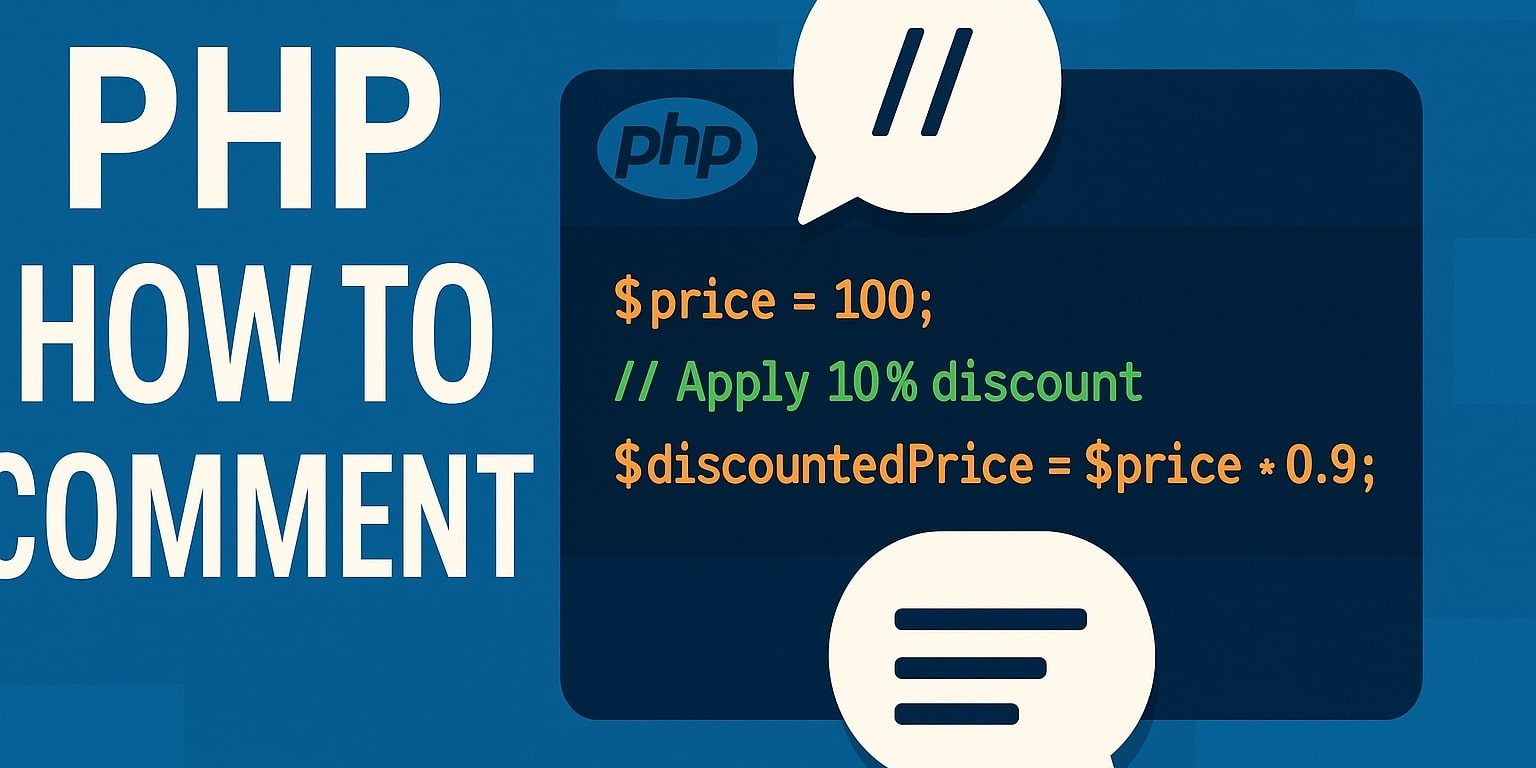
Single line comments using // are the most common way to comment in PHP. They are perfect for short notes or clarifying one specific line.
<?php

$price = 100;

// Apply 10 percent discount for logged in users
$discountedPrice = $price * 0.9;You can also place the comment at the end of the line:
<?php

$isAdmin = true; // User has admin roleBest practice: Use this style by default for quick, focused comments in your PHP code.
Single Line Comments With
PHP also supports comments with the # character, which are similar to those in shell scripting.
<?php

# Load configuration values from file
$configLoaded = true;Functionally, this is the same as //. It is just less common in typical PHP applications.
Best practice: For a consistent code style, prefer // for single line comments and reserve # for special cases, such as config style scripts.
Multi Line Comments With /* … */
Multi line comments using /* … */ are great when you need a longer explanation or want to describe an entire block of logic.
<?php

/*
 * Calculate the final order total.
 * This includes:
 *  - Cart subtotal
 *  - Discounts
 *  - Shipping fees
 *  - Tax based on the customers location
 */
$total = calculateOrderTotal($cart, $user);Because this comment spans several lines, it is easier to read than a long single line.
Using multi line comments to disable code
You can also temporarily disable code while testing:
<?php

/*
$report = generateMonthlyReport();
sendReportEmail($report);
*/

echo "Report generation is currently disabled.";Just remember to clean up commented out blocks later so they do not clutter the file.
PHPDoc Comments With /** … */
If you are serious about “php how to comment” in a way that works with IDEs and static analysis tools, you should learn PHPDoc. PHPDoc comments start with /** and are used to document functions, methods, classes, and properties.
PHPDoc for a function
<?php

/**
 * Apply a discount to the given price.
 *
 * @param float $price   Original price.
 * @param float $percent Discount percentage from 0 to 100.
 *
 * @return float Discounted price.
 */
function applyDiscount(float $price, float $percent): float
{
    return $price * (1 - $percent / 100);
}Many editors will show this description when you hover over applyDiscount, and tools can use the information for autocomplete and type checks.
PHPDoc for a class and properties
<?php

/**
 * Basic Product model used in the shop.
 */
class Product
{
    /**
     * Product title shown to customers.
     *
     * @var string
     */
    public string $name;

    /**
     * Price in US dollars.
     *
     * @var float
     */
    public float $price;
}PHPDoc is especially helpful in larger codebases, frameworks, and APIs.
When Should You Use Comments In PHP?
A common beginner mistake is to comment every line. That usually makes the file noisy and more challenging to read. Instead, focus on intent.
You should comment when:
- The code handles a non-obvious business rule
- A bug from the past led to a very specific workaround
- The logic is complex and would be hard to understand from code alone
- You want to warn future developers about side effects or limitations
You should avoid comments that:
- Repeat what the code already says
- Describe very simple operations, like $count = $count + 1;
- Become wrong because the code changed, and the comment did not
Bad example
<?php

// Set price to 100
$price = 100;

// Multiply price by 0.9
$price = $price * 0.9;

// Echo price
echo $price;These comments add nothing useful. The code already explains itself.
Better example
<?php

$price = 100;

// Black Friday promotion - apply a one time 10 percent discount
$price = $price * 0.9;

echo $price;Here, the comment explains why the math exists, not how multiplication works.
How Do You Comment Code In PHP Without Making A Mess?
If you are still wondering “how to comment in PHP” without making things worse, here are some practical guidelines:
- Comment the intent, not the syntax: Explain why a function exists or why you chose that approach. Do not describe obvious PHP behavior.
- Keep comments close to the code they describe: Place comments directly above or beside the related line or block.
- Keep comments short and focused: A few clear sentences are better than a long paragraph of fluff.
- Update comments when you change the code: A wrong comment is more dangerous than no comment at all.
- Use PHPDoc for anything public or reusable: Libraries, APIs, and shared classes all benefit significantly from structured documentation.
Practical Example: Commenting on A Small Script
Here is a small script without comments, then one with better comments.
Without comments
<?php

$items = [10, 25, 30, 5];
$total = array_sum($items);

if ($total > 50) {
    $shipping = 0;
} else {
    $shipping = 9.99;
}

echo $total + $shipping;You can probably guess what this does, but the business rule for shipping is not clear.
With helpful comments
<?php

$items = [10, 25, 30, 5];

// Sum the cart items to get the subtotal
$total = array_sum($items);

// Free shipping for orders over 50
if ($total > 50) {
    $shipping = 0;
} else {
    $shipping = 9.99;
}

// Output final amount customer will pay
echo $total + $shipping;Now another developer can quickly understand the rule: free shipping kicks in when the total is over 50.
FAQ: PHP How To Comment
Do PHP comments affect performance?
No. Comments are stripped out by the PHP parser and do not affect runtime performance in any meaningful way. You can safely use comments without worrying about speed.
Which is better in PHP: // or #?
Both // and # work as single line comments, however, // is more common and easier to read in typical PHP projects. For consistency, most teams choose //.
Can I put a comment after PHP code on the same line?
Yes. You can write:
<?php

$result = doSomething(); // Run main actionJust be sure the comment does not break any string or code syntax before it.
How do I quickly comment out a block of PHP code?
Use a multi line comment:
<?php

/*
$debugData = getDebugData();
var_dump($debugData);
*/Many editors also let you select lines and toggle comments with a shortcut, which automatically adds // or wraps with /* ... */.
Should I comment every function in PHP?
You do not have to comment on every function, but you should comment on anything that:
- Is part of a public API
- Is reused across the project
- Has tricky behavior or non-obvious side effects
For these cases, PHPDoc comments are a good choice.
Final Thoughts On “php how to comment”
Learning how to comment in PHP is not just about memorizing symbols like // and /* … */. It is about using comments to tell the story behind your code: the decisions, the rules, and the things that are not obvious from syntax alone.
If you focus on clear intent, consistent styles, and keeping comments up to date, you will end up with PHP files that are easier to maintain and much friendlier for anyone who works with your code later, including future you 🤔.