This WordPress category focuses on treating WordPress like a serious application platform, not just a quick blog engine. Tutorials walk through custom theme and plugin development, action and filter hooks, template hierarchy, and best practices for organizing your code. You will also learn how to work with the options table, custom post types, taxonomies, and the REST API so you can build more than simple brochure sites.
Performance, security, and reliability are a big part of this section. I share battle tested setups for caching, database optimization, backups, staging workflows, and hardening techniques that protect login pages and admin areas from bots. There are also guides for analytics, SEO basics, and integrating WordPress with other services you already use. If you build or maintain WordPress sites for clients or your own business, this category will help you ship faster, safer, and with a lot fewer surprises.
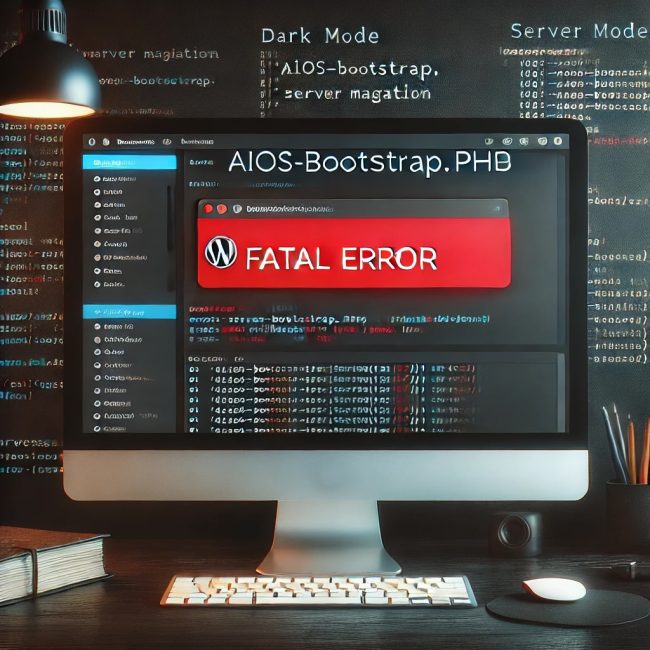
If you’ve recently migrated your WordPress website to a new server and were greeted with this cryptic fatal error: You’re not alone — and no, it does not have to come from an active plugin like you might think. In this article, I’ll walk you through the exact issue I ran into, how I tracked…
Learn how to register a custom plugin block for Elementor with this easy-to-follow guide. Includes code examples and step-by-step instructions for beginners.
Learn about the advantages and disadvantages of using WordPress transient data for website optimization. Get code examples and decide if it’s right for your site.