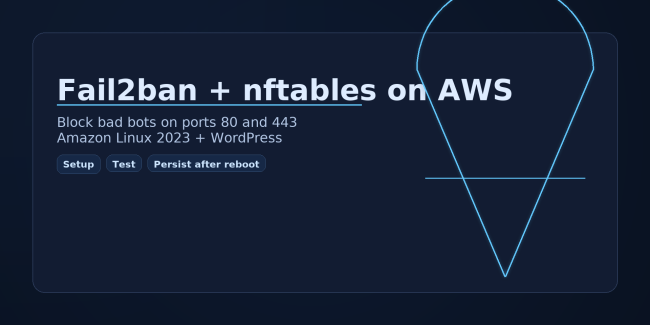
Fail2ban And Nftables On AWS Linux For WordPress
A step-by-step guide to wiring Fail2ban directly to nftables on AL2023, blocking bots on ports 80 and 443, avoiding firewalld conflicts, and testing safely.


This category focuses on real world Linux server administration for developers, freelancers, and small teams who have to manage their own infrastructure. You will find tutorials for working on popular distributions like Amazon Linux 2023, Ubuntu, and Debian, along with practical shell tips that make everyday tasks faster. Articles cover user and group management, systemd services, log rotation, backups, SSH hardening, and the kind of command line workflows that keep servers clean and predictable.
I also dig into troubleshooting and performance tuning so you can confidently debug slow or misbehaving servers. Topics include reading system logs, inspecting running processes, understanding load averages and memory usage, and using tools like top, htop, journalctl, and strace when things get weird. Many guides are based on actual incidents from production environments, so you can learn from real issues instead of contrived examples.
As you move through the Linux category you will build a toolbox that applies anywhere, whether you are managing a single VPS, multiple EC2 instances behind a load balancer, or a home lab. The goal is to help you become comfortable on the command line, understand what your system is actually doing, and make changes in a safe, repeatable way.
A step-by-step guide to wiring Fail2ban directly to nftables on AL2023, blocking bots on ports 80 and 443, avoiding firewalld conflicts, and testing safely.
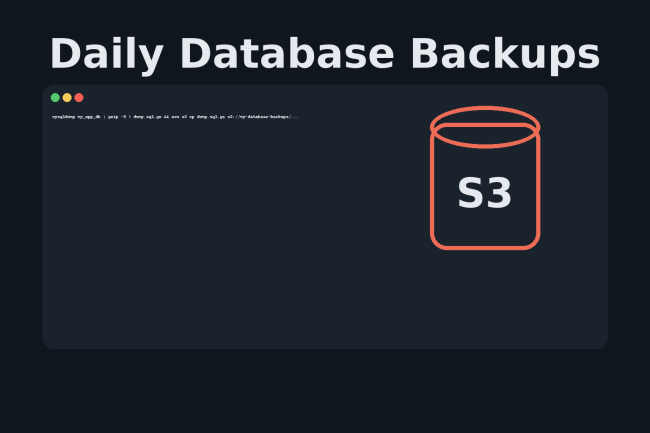
Keeping reliable database backups isn’t just a best practice; it’s critical. Whether you’re running a WordPress site, managing an internal app, or maintaining a client’s online store, losing your database could be catastrophic. Fortunately, you can automate MySQL backups to Amazon S3 and never have to think about it again. AWS offers tools like AWS…
When it comes to Linux server security, small oversights can turn into big vulnerabilities. One of the most overlooked risks is leaving unnecessary passwords on user accounts — especially the root account. In this guide, we’ll show you how to remove user passwords, lock accounts, and explain why these steps are essential for securing your…
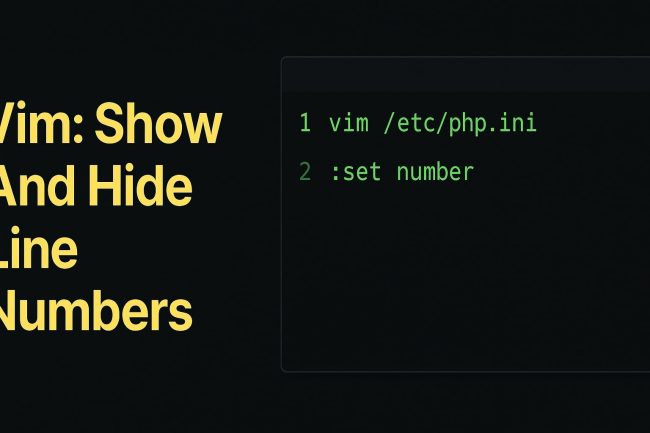
In this article, I will show you how to quickly show and hide line numbers in the Vim editor on Linux. When you are editing config files like php.ini or nginx.conf, being able to see the exact line number makes it much easier to follow error messages, share snippets with other developers, and jump straight…
In this short tutorial, I will show you how to display a ssh welcome banner that will show once a user successfully logs into your server/computer. I will also show you how to create a message once the connection is first established and before the user enters their password. Why would I want to do…